


Desktop-quality PDF tools
Edit, annotate, sign, fill forms, manage pages, and securely redact.

Deployed through Microsoft Intune, BlackBerry UEM, Citrix, Ivanti or any AppConfig MDM.
View pricing
Not sure which setup fits your environment?
Talk to our team

The secure document editor for Microsoft 365
Edit PDFs, Office files and notes, from SharePoint to on-premise file shares. Everything, including the AI assistant, stays inside your own environment.


iPhone, iPad, Android, Windows and Mac. Deployed through Microsoft Intune, BlackBerry UEM, Citrix, Ivanti or any AppConfig MDM.
Trusted by more than 100 enterprises across finance, government and legal, since 2012


Working on a document shouldn’t mean switching between apps. With Notate, find, edit, annotate, and send it back—all in one secure workflow.
 Without Notate


 Open in…
Download
Save a copy
Attach
Open in…
Separate apps to find documents
Hunt across email, SharePoint, network drives, Teams and OneDrive.
Separate tools to do the work
A PDF editor to mark up and sign, a notes app for handwriting.
Back to email to send it on
“Open in” mail, attach the file again and hope it is the right copy.
 With Notate


Find→Edit & sign→Send
Every source in one place
SharePoint, OneDrive, Teams, network shares and email attachments.
Every tool in the same app
Edit, annotate, sign and take handwritten notes without switching.
Send it back from Notate
Reply with the document, or only the pages you changed.
Three things that usually come from different vendors, together in Notate.
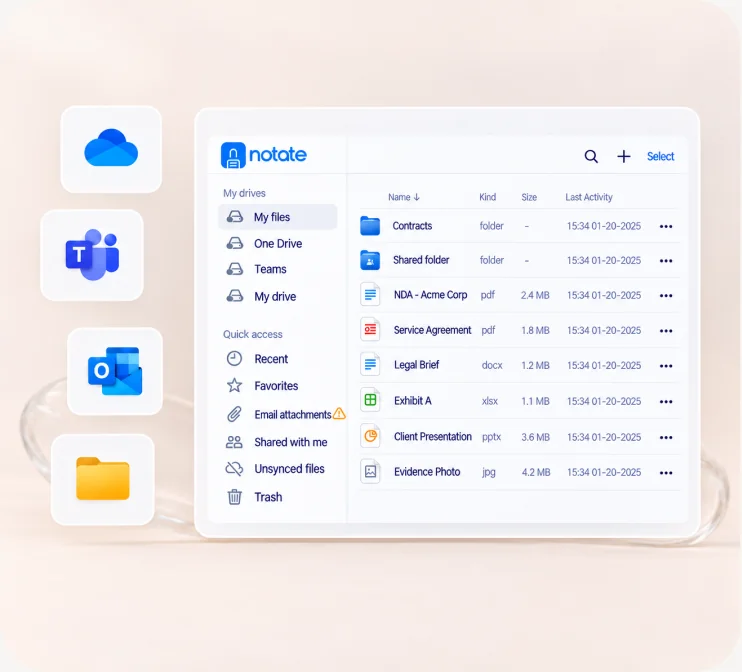
Any document
Browse and save directly to SharePoint, OneDrive, Teams, ShareFile, on-premise network shares and email attachments. No migration required.
Your documents →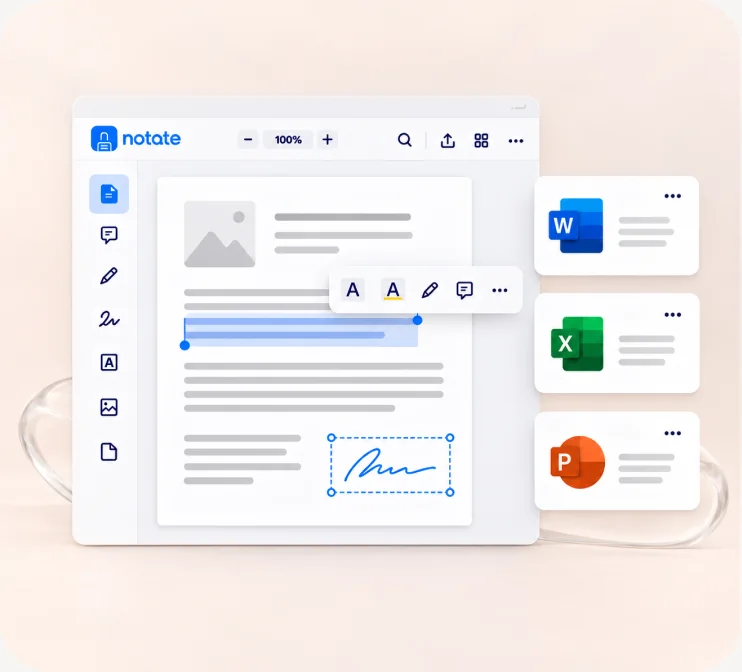
PDFs and more
Edit, annotate, sign and redact PDFs. Capture notes by hand. Scan paper documents. Open Word, Excel and PowerPoint in your Microsoft Office apps and save straight back. Online or offline.
PDF editor →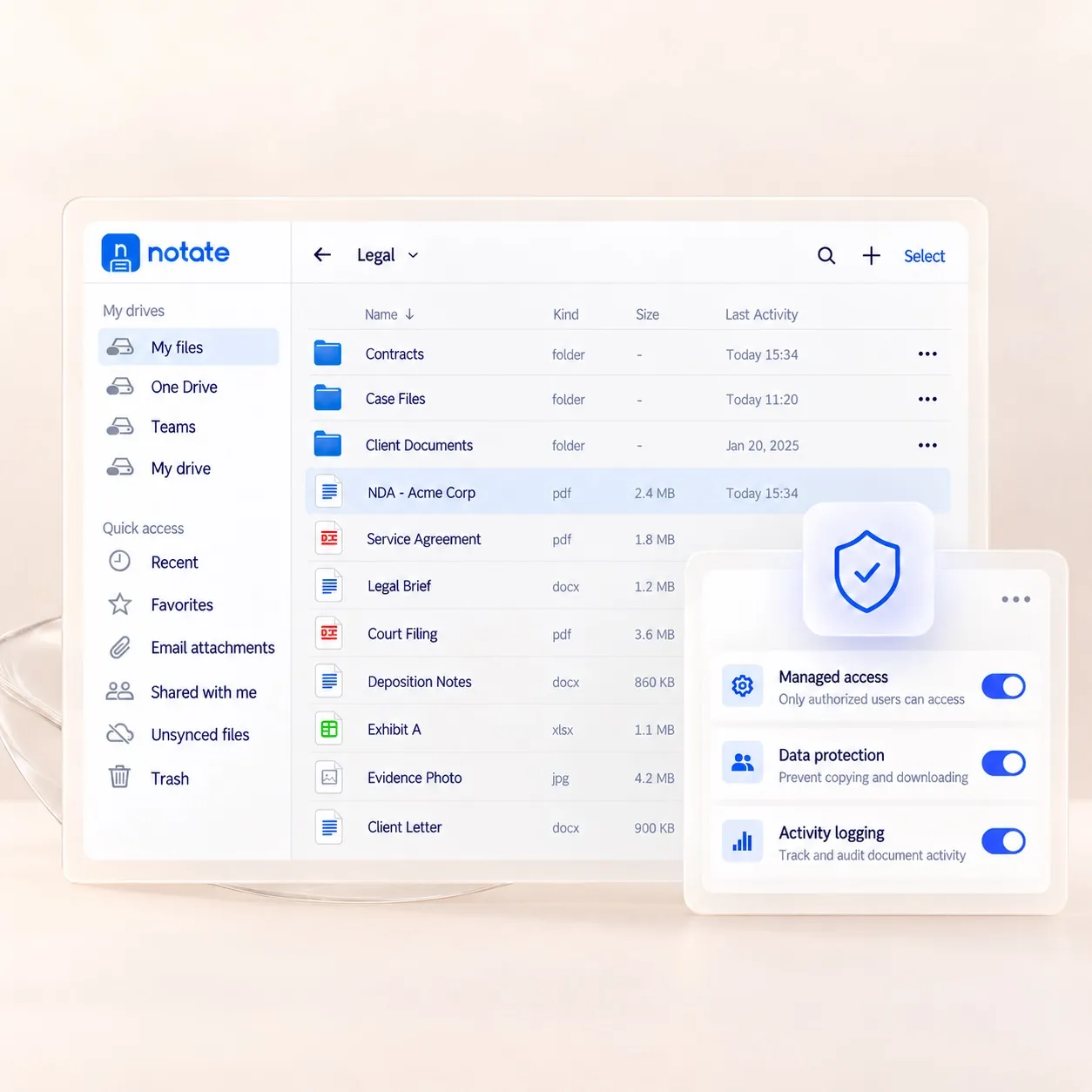
IT in control
Deploy through Microsoft Intune, BlackBerry UEM, Citrix, Ivanti or any AppConfig-compatible MDM. Your data remains only on your own network; Shafer Systems never receives your content.
Security and control →Work, not storage


Your files
In SharePoint, OneDrive, Teams, email and network shares. Nothing is migrated.
Your device policies
Delivered through Intune, BlackBerry UEM, Citrix, Ivanti or any AppConfig-compatible MDM.
Your data boundary
Your data stays in your environment. Shafer Systems never receives your content.
Your AI controls
The AI assistant runs on your own Azure AI service, under your work sign-in. Off until you turn it on; conversations are not stored.


Edit, annotate, sign, fill forms, manage pages, and securely redact.

Edit in your Microsoft Office apps and save directly back. Use Notate's own editor when Office apps are unavailable or you are offline.

Capture handwriting, meeting notes, and voice recordings on secure digital paper.

Keep working while traveling, in the field, or at sites without connectivity.

Keep discussions, sticky notes and shared folders alongside your documents.

Connect to your own Azure AI service.

Secured by
Mail and attachments stay on your Exchange, on-premises or online. Notate opens them in place and sends back only the pages you changed.

Certified by
Deployed and managed through Intune, BlackBerry UEM, Citrix, Ivanti or any AppConfig-compatible MDM, under the app policies you already run.

No vendor cloud
Documents, notes and AI conversations stay inside your own Microsoft environment. Nothing is routed through Shafer Systems.
One secure app in place of a storage browser, a PDF editor and a notes tool, working alongside your Office apps.
PDF editor
Review and edit PDFs without returning to a desktop. Highlight, draw freehand, comment, and manage pages.


Open Word, Excel and PowerPoint from Notate in your Microsoft Office apps. Files in OneDrive, SharePoint and Teams save straight back; attachments come back to Notate to reply or save.

Secure digital paper for handwritten and typed notes, with screenshots, images and voice recording. Full Apple Pencil support.

Open an attachment from Exchange, mark it up, and send back only the pages you changed.

Threaded discussions, sticky notes and shared folders, across regulated environments.

Mark items for offline use. Open and annotate without a connection; changes sync back when online.

Create Word, Excel and PowerPoint documents, or new PDFs and notes, and save them to the right location from the start.

AI assistant
Connect Notate to your organization’s own Microsoft Azure AI service, using your work sign-in. IT decides when to enable it. Conversations are not stored, and Shafer Systems never receives your content.
What it does
 Understand documents: Summarize content and ask questions.Review and act: Highlight passages, add comments, suggest redactions for review, and fill forms—with confirmation before placing your signature.Capture information: Transcribe meeting recordings and turn handwriting into text.
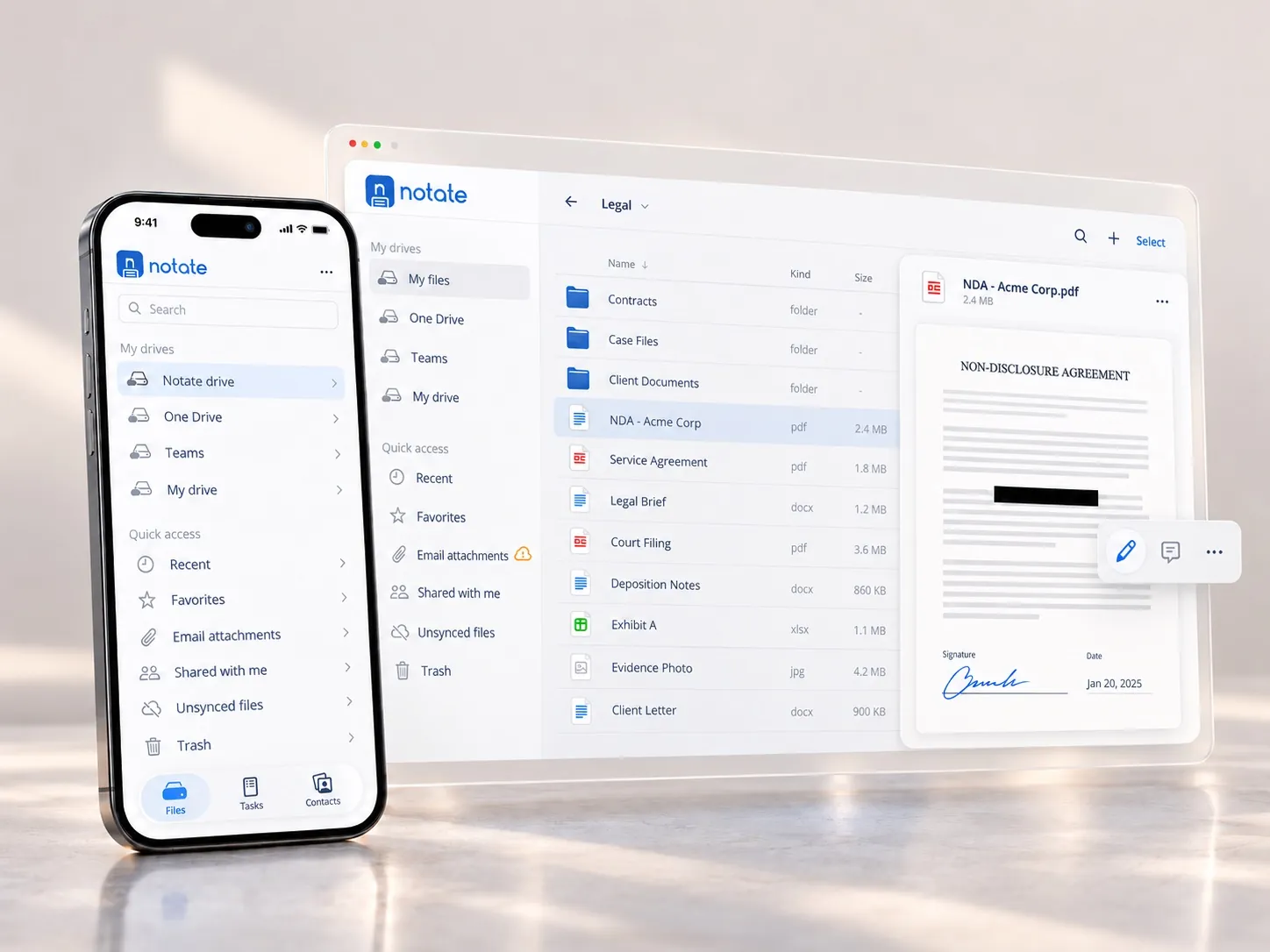
Case files, contracts and filings, reviewed, redacted and signed on any device.
Notate for legal →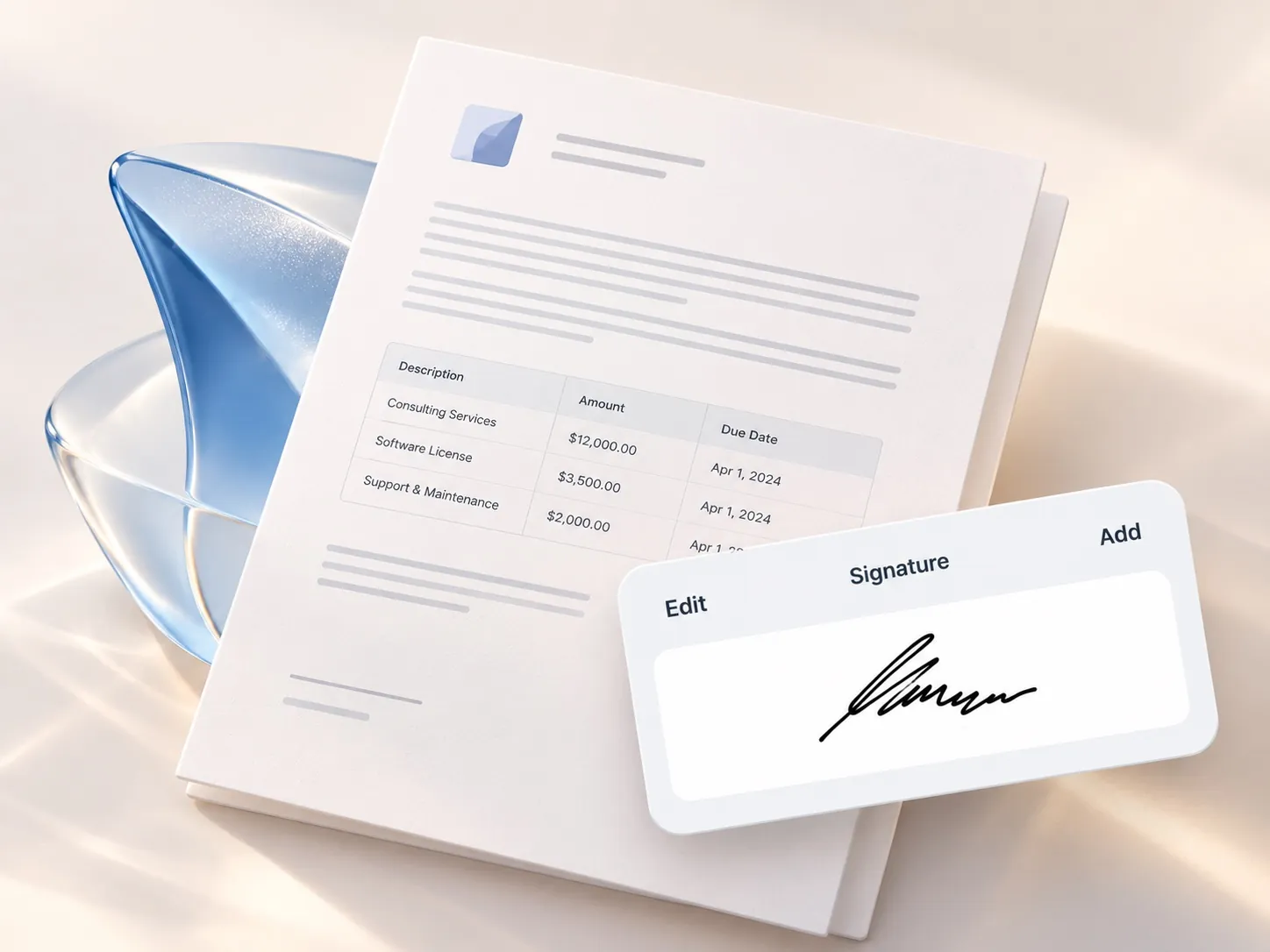
Audits, approvals and client paperwork, signed in the field and filed on return.
Notate for finance →
Public records and field reports, handled without a laptop and without a public cloud.
Notate for government →
Devices
Phones and tablets through your MDM. On Windows and Mac, Notate Desktop runs in the browser with nothing to install.

Support
Support requests go to the engineers who built the product, from getting started to deployment questions. The administrator's guide and learning center live in the support center.
Visit the support center →A 30-day trial, or a demo with the engineers who built it.